 |
PuTTYFree SSH and Telnet toolkit for Windows, Linux, and macOS |
||||||||||||||||
|
Download PuTTYLatest stable buildFree installer · Windows MSI · Linux and macOS packagesPuTTY is a free, open-source terminal emulator and network client. Log into machines with interactive SSH and Telnet, attach to serial consoles, or open raw TCP links. The Windows MSI drops in putty.exe, puttygen.exe, pscp.exe, psftp.exe, plink.exe, pageant.exe, and related tools in one install. For setup, your first SSH login, and PuTTYgen essentials, read the Hands-on guide on this site. Why teams keep PuTTY handyFeatures operators and engineers lean on when they need a reliable remote shell. Secure remote access:
Saved sessions and UI polish:
Utilities bundled with the client:
More than Windows alone:
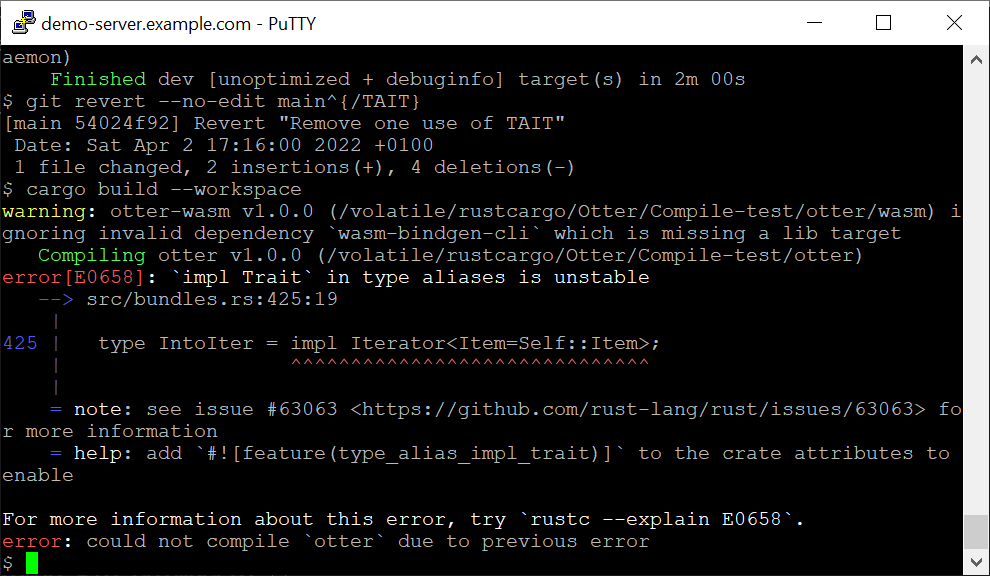
Technical notesWhere Windows stores settings, common package-manager lines, and checks before you trust a host. Tap Copy snippet to paste text into docs or a shell. Windows registry (sessions and host keys)On Windows, PuTTY saves settings under Registry paths PuTTY writes on WindowsUnix-style data folderOn Linux and other Unix ports, PuTTY typically stores random seed data and session files under Typical paths on Linux / UnixPackage-manager install linesExample install commandsPuTTY binaries delivered via Windows MSIExecutables the MSI installsFirst-connection checklistConfirm the host name or IP, port (22 for SSH by default), and protocol. On the first handshake, match the host-key fingerprint to what your operator publishes. Keep private keys passphrase-protected and use Pageant or agent forwarding only on machines you trust. Typical PuTTY SSH flowPrefer builds from the official PuTTY project that publish checksums. If you rely on mirrors or storefronts, verify signatures whenever they are offered. Visit PuTTYgen for SSH key setup. ScreenshotsClick a thumbnail to enlarge; use the arrows to step through images: |
||||||||||||||||
| PuTTY · downloadputty.net · Open-source Windows SSH client and companion utilities. All rights
reserved. . |